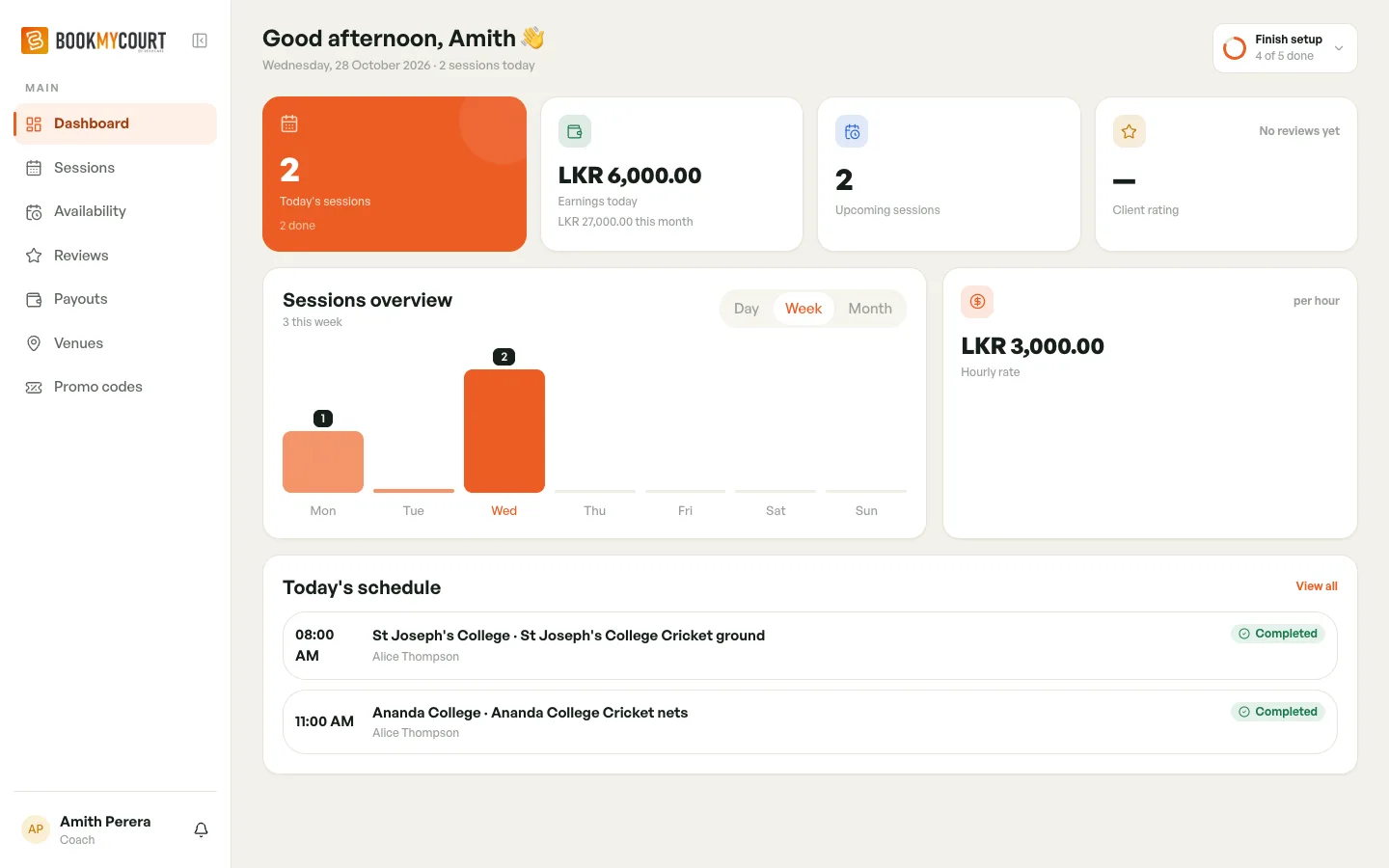
Your Dashboard
Your dashboard is the first screen after you sign in. It shows your day at a glance.
Tap Dashboard in the bottom bar to get back to it.
From the Top
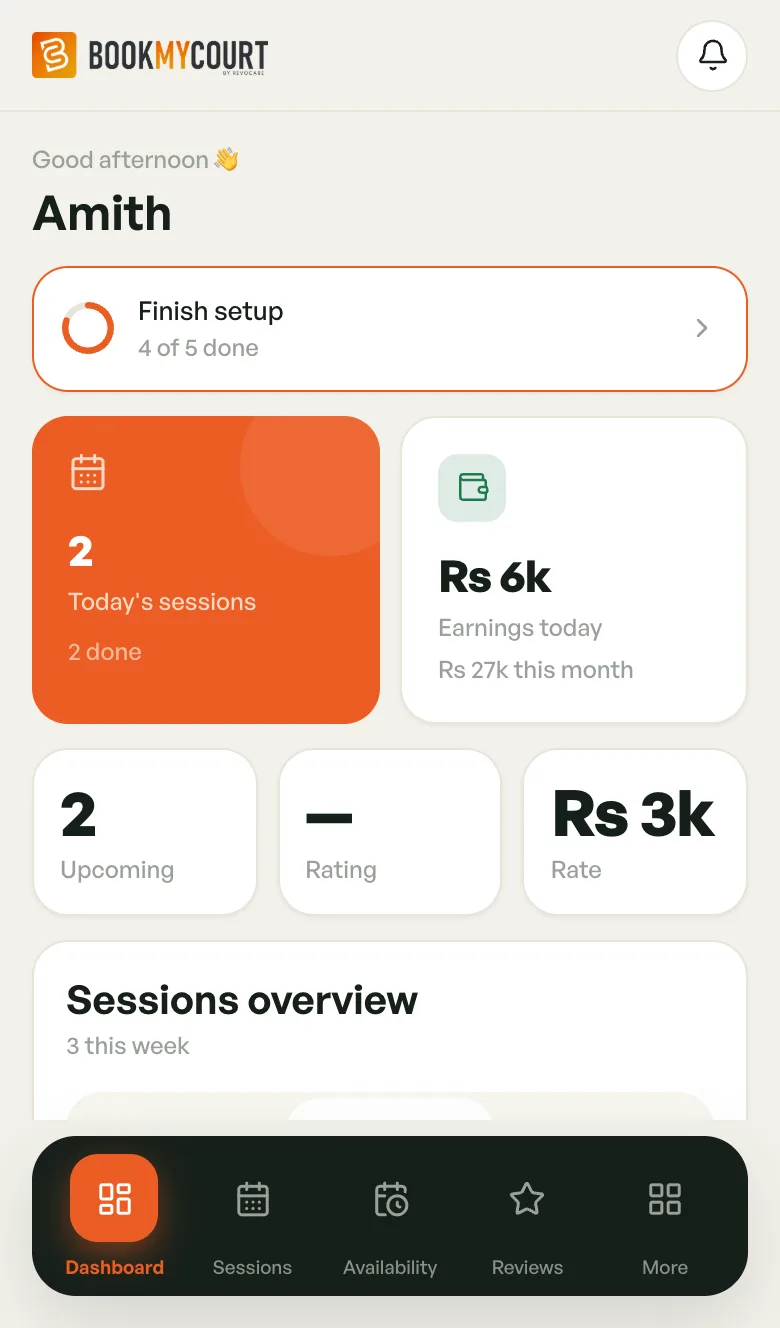
- Greeting — with your profile name, or your first name.
- Finish setup — only while something's left to set up. See Getting Started.
- Not published yet (or Publish request in review, Publish request rejected, Hidden by platform admin) — only while players can't book you. See Going Live.
- No commission on your sessions — only if BookMyCourt has waived its commission for you. It shows the end date, if there is one.
The Numbers
- Today's sessions — how many you have today, split into active, upcoming and done.
- Earnings today — what today's sessions are worth, with this month's total underneath. Tap it to open Payouts.
- Upcoming — every session booked ahead.
- Rating — your average player rating. It shows — until you have reviews.
- Rate — your hourly rate. If your sports are priced differently, this is your lowest rate.
On a phone, amounts are shortened (Rs 6k). Desktop shows the full amount.
Sessions Overview
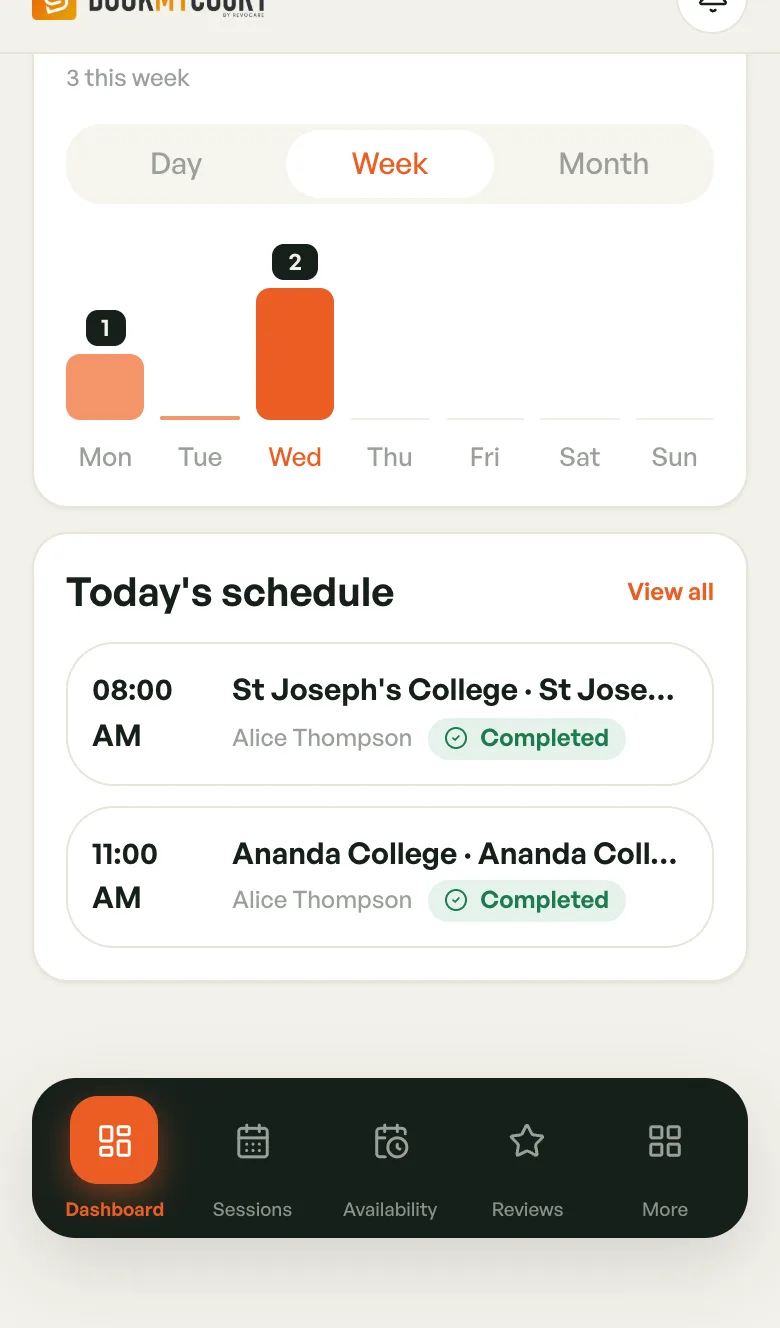
A bar chart of your sessions. Switch between Day, Week and Month.
Today's Schedule
Your sessions for today, in time order: time, venue and court, player, and status. It shows the first four, with "+N more today" if there are more.
Tap a session or View all to open your Sessions calendar. With nothing booked, you'll see No sessions today.
On a phone you can pull down to refresh.
On Desktop
The same cards, laid out wider. Finish setup and your publish status sit in the top-right corner, and your rate has its own card next to the chart.