Your Coach Profile
What players see when they're choosing a coach. Worth keeping sharp — it's your shopfront.
Opening It
Profile — in the sidebar's Account group on desktop, or the mobile dock.
Coaches share the same Profile screen as owners and employees; the coaching sections are added to it.
Coaching Details
Under Coaching details — "This is what players see when adding you to a booking."
| Field | Notes |
|---|---|
| Hourly rate (LKR) | What you charge per hour, e.g. 3000 |
| Bio | Your experience, specialisms, who you coach |
| Sports you coach | Tap to select as many as apply |
Save changes stays disabled until you've actually changed something, and Cancel puts everything back to the last saved values.
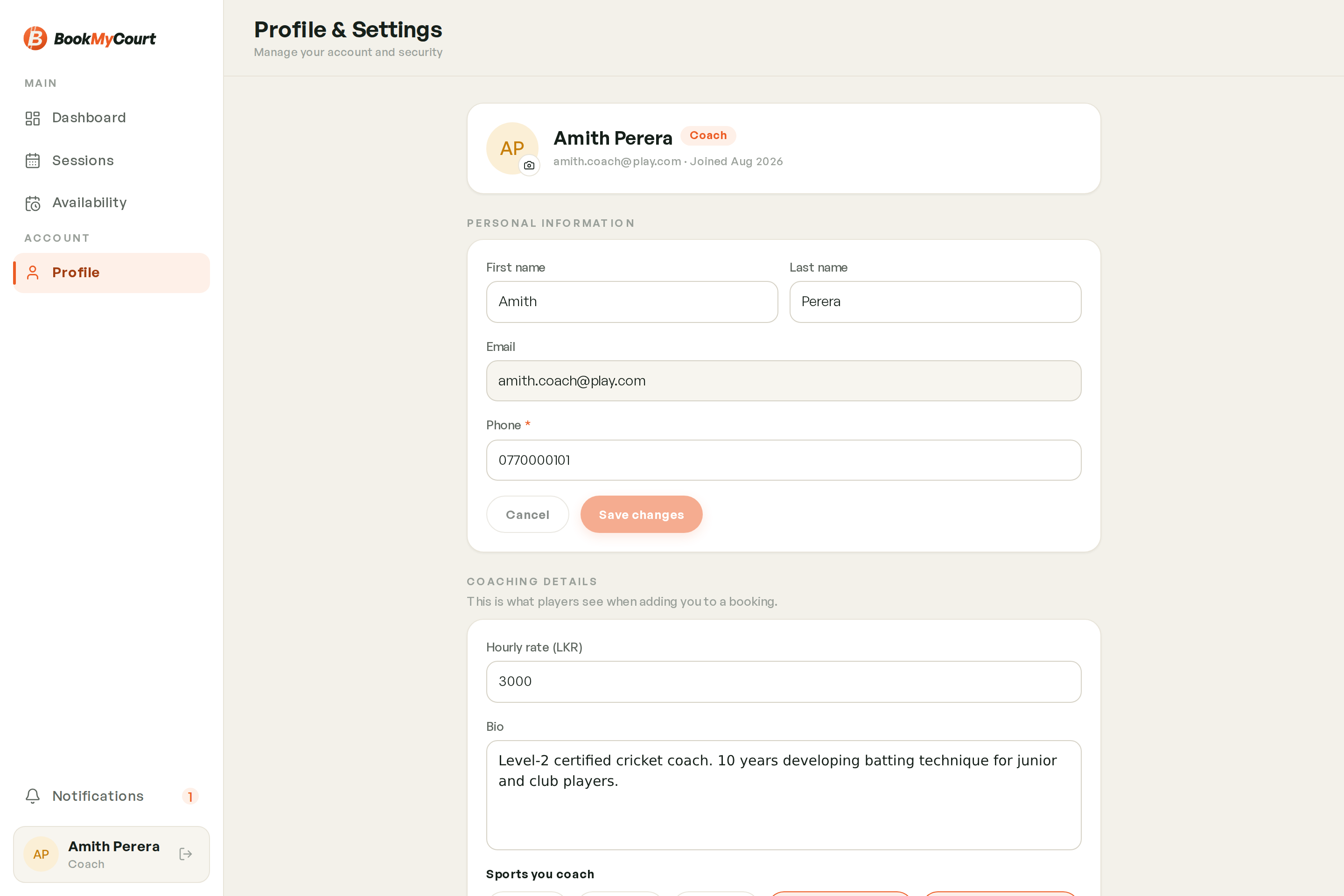
Players filter coaches by sport, and venues only offer you for sessions in sports you've selected. If you're not appearing where you expect, check this list first.
Profile Photo
Tap your avatar at the top of Profile to upload or replace your photo. Coaches are the only role with a profile photo — players see it on your card and your profile.
Training Photos
Below the coaching details is your gallery — photos of you coaching. Add and remove them here. They appear on your public coach profile in the player app.
The Rest Of The Screen
Everything below your coaching sections is the standard account area, the same for every role:
- Personal information — name, email, phone
- Security — change password, delete account
- Preferences — dark mode, privacy policy
- Log out
Payout bank details are an owner screen. Coaches don't have one.