Coaches at Your Venue
Whether players can add a coach when they book one of your courts, and which coaches they can pick.
Why This Matters
When a player books a court, the app can offer them a coach for the same session. Whether that step appears at all — and who shows up in it — is controlled entirely by your facility's coach booking policy.
If a coach tells you players can't book them at your venue, this is the setting to check.
Opening It
- Go to Facilities
- Open the facility
- Tap Coaches
The Three Policies
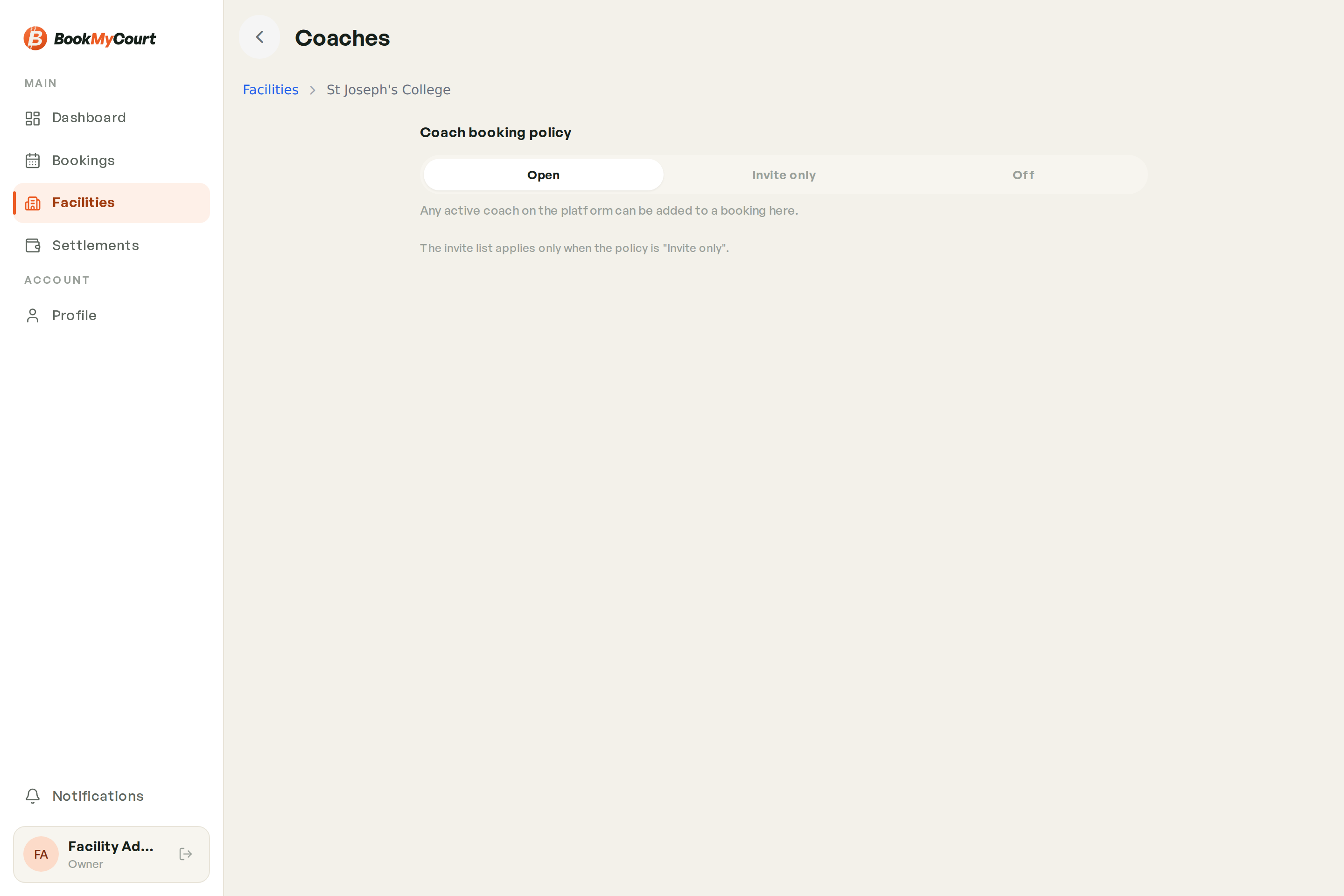
The policy is a three-way switch at the top of the screen.
| Policy | What players see |
|---|---|
| Open (default) | "Any active coach on the platform can be added to a booking here." |
| Invite only | Only coaches you have invited and who have accepted |
| Off | No coach step at all — courts only |
Pick the one that matches how your venue works. Open is the default and needs no further setup.
Inviting Coaches
Only relevant when your policy is Invite only — the screen says so directly: "The invite list applies only when the policy is 'Invite only'."
- On the Coaches screen, tap Invite a coach
- Search the coach list
- Tap the coach to invite them
Invited coaches appear in the Invited coaches list with their state:
| State | Meaning |
|---|---|
| Invited | You've invited them; they haven't accepted yet — not bookable |
| Accepted | They've accepted — bookable at your venue |
On Open, every active coach is bookable regardless of what's in the list. On Off, nobody is. Switching to Invite only is what makes the list count.
Coaches Bringing Their Own Bookings
Separately from player bookings, a coach can book one of your courts themselves for a session they're running — those arrive in your Bookings like any other. See the Coach Guide for their side of it.