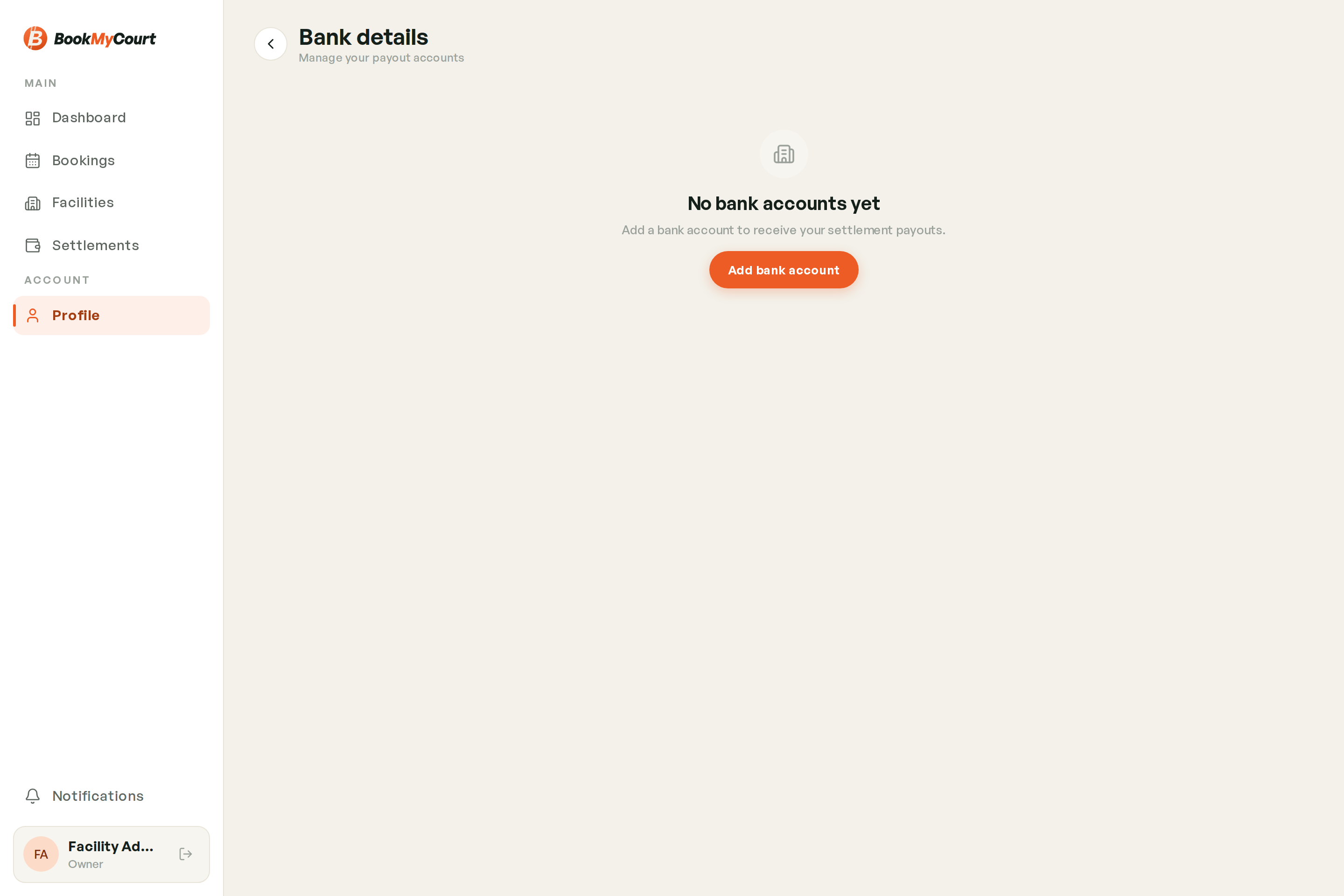
Payout Bank Account
Where BookMyCourt sends your money. Set this up before your first payout — it's the first item on your setup checklist for a reason.
No bank account, no payout
Settlements are still calculated without one, but nothing can be paid out until your account details are on file.
Adding Your Account
- Go to Profile
- Under Payout, tap Bank details
- Fill in the form
- Save
What You'll Need
| Field | Required |
|---|---|
| Account holder name | Yes |
| Bank name | Yes |
| Account number | Yes — digits only |
| Branch | Yes |
| SWIFT code | Optional |
Make sure the account holder name matches the name on the bank account exactly. A mismatch is the most common reason a transfer bounces.
Changing It Later
Open Profile → Bank details again and edit. Changes apply to payouts that haven't been sent yet.
Owners only
Bank details sit under the owner's account. Employees don't see this screen.