Profile & Settings
Your account, your preferences, and everything that isn't a booking.
Opening It
Profile is in the Account group of the desktop sidebar, and in the mobile dock.
Every role — owner, employee and coach — shares this one screen. What's on it differs by role.
Personal Information
Your name, email and phone. Edit and save in place.
Your sign-in method is shown as a badge — email, Google or Apple.
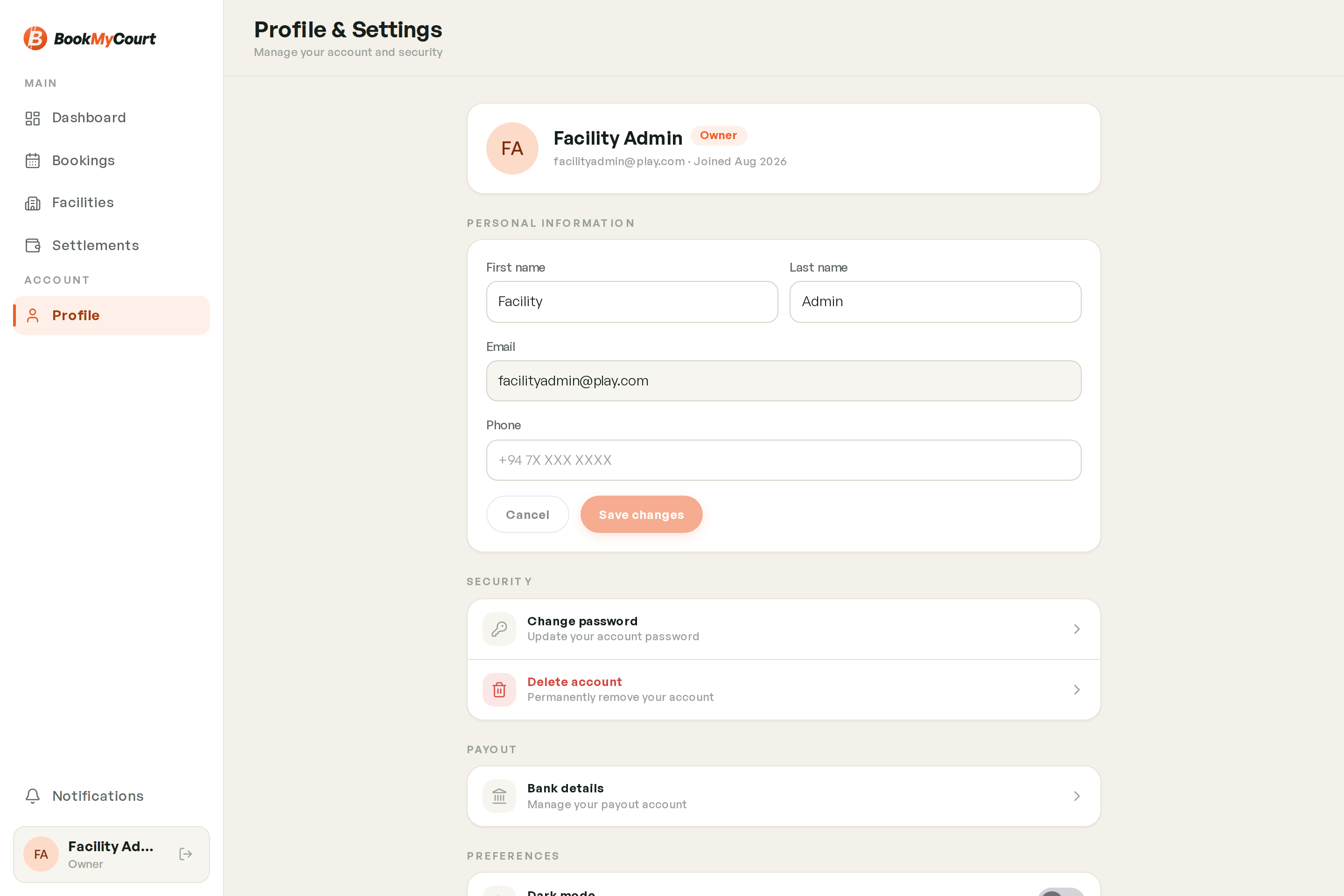
Security
| Option | What it does |
|---|---|
| Change password | Update your account password |
| Delete account | Permanently remove your account |
See Account Security.
Change password only appears for accounts created with an email and password. Google and Apple accounts don't have one to change.
Payout
Bank details — where your settlements are paid. Owners only. See Payout Bank Account.
Preferences
- Dark mode — toggle between light and dark. The whole console follows it.
- Privacy policy — how we handle your data.
Coaching Details
Coach accounts get an extra section here — hourly rate, bio, sports and photo gallery. See Your Coach Profile.
Logging Out
Log out sits at the bottom, and asks you to confirm first so you can't lose your place by mistake.
The app version is shown beneath it — worth quoting if you report a problem.